
Fill bids faster with a clean control panel.
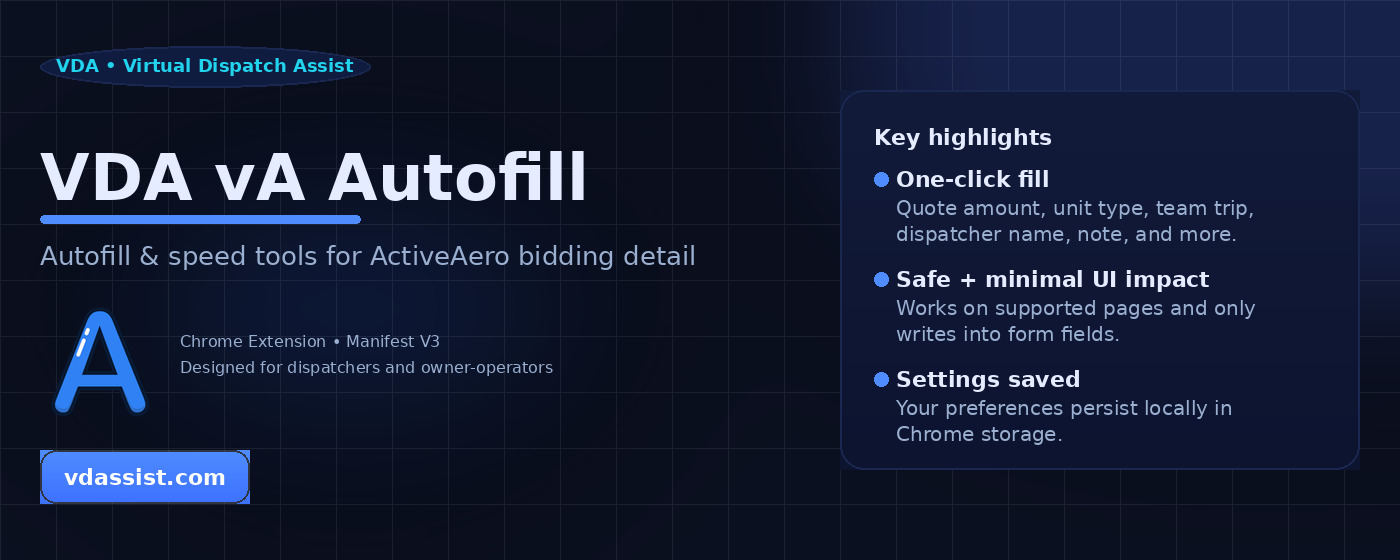
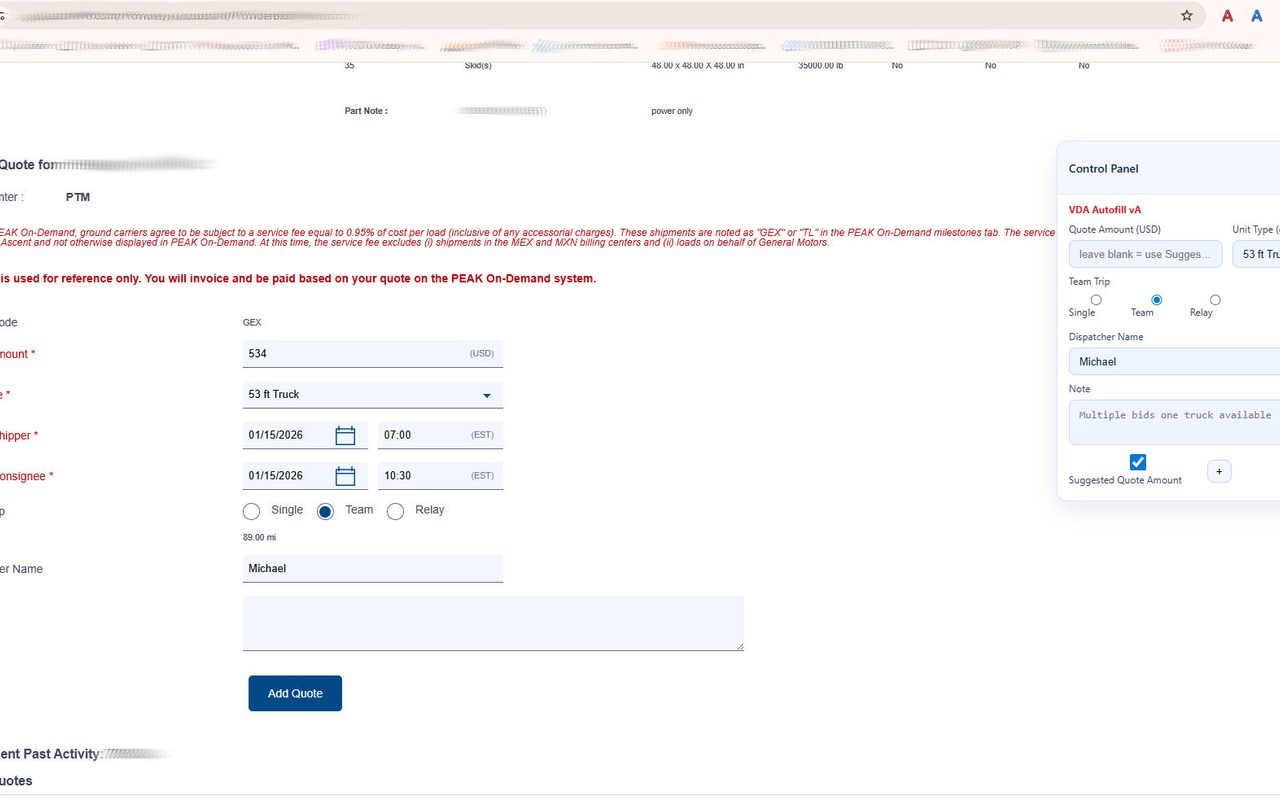
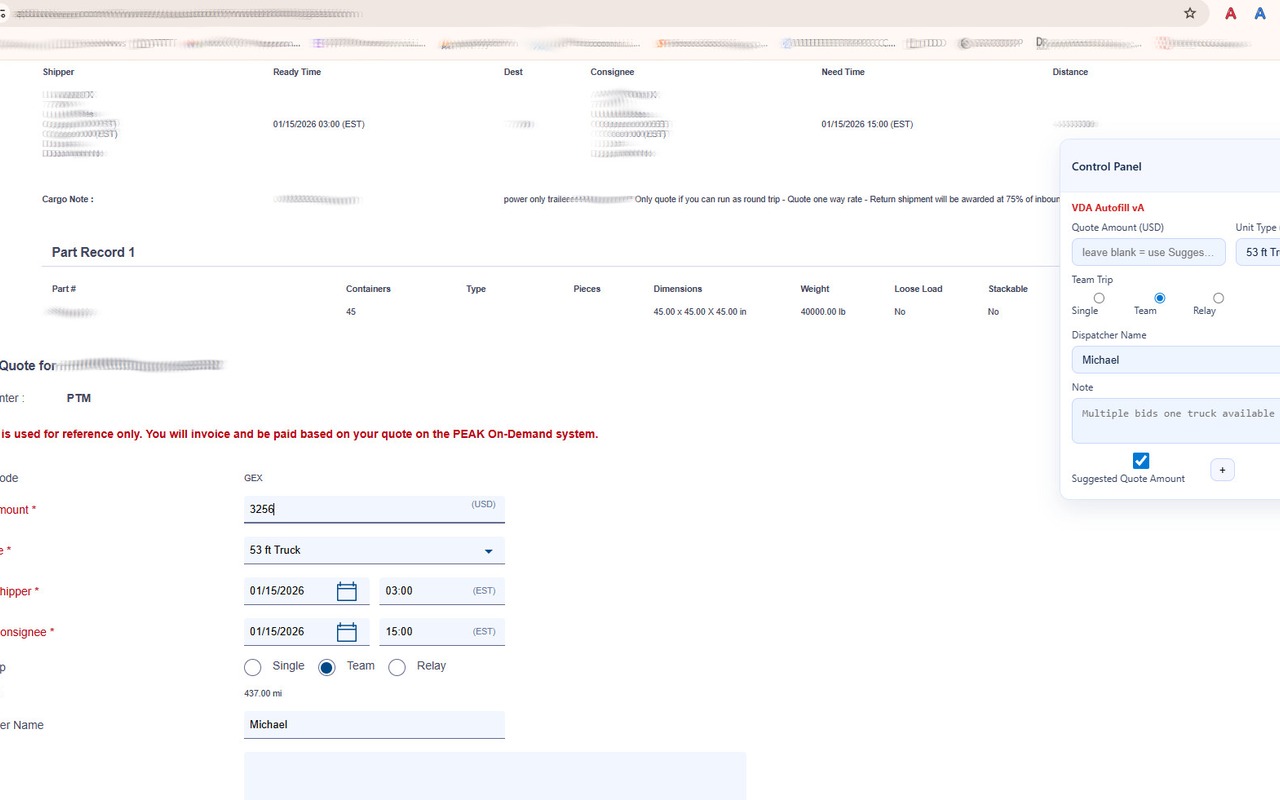
VDA vA Autofill adds a compact “Control Panel” on ActiveAero bidding detail pages and helps dispatchers apply consistent values (quote, unit type, team trip, dispatcher name, notes) with fewer clicks.
How it works
1) Open the bidding detail page
Navigate to the ActiveAero bidding detail (ProviderBiddingDetail.cfm).
2) Set the values once
Enter quote amount, unit type, team mode, dispatcher name, and optional note/template.
3) Click Fill
The extension fills the matching form inputs on the page.
Screenshots
Examples of the control panel and filled fields on ActiveAero bidding detail pages.
Promo tile
FAQ (for reviewers)
Does it scrape data or send data off-device?
No. It fills form fields in the current tab and stores user settings locally using Chrome Storage.
Does it require a login?
No login is required by the extension itself. It operates on the page the user is already logged into.
Where is the Privacy Policy?
Privacy Policy: vdassist.com/privacy